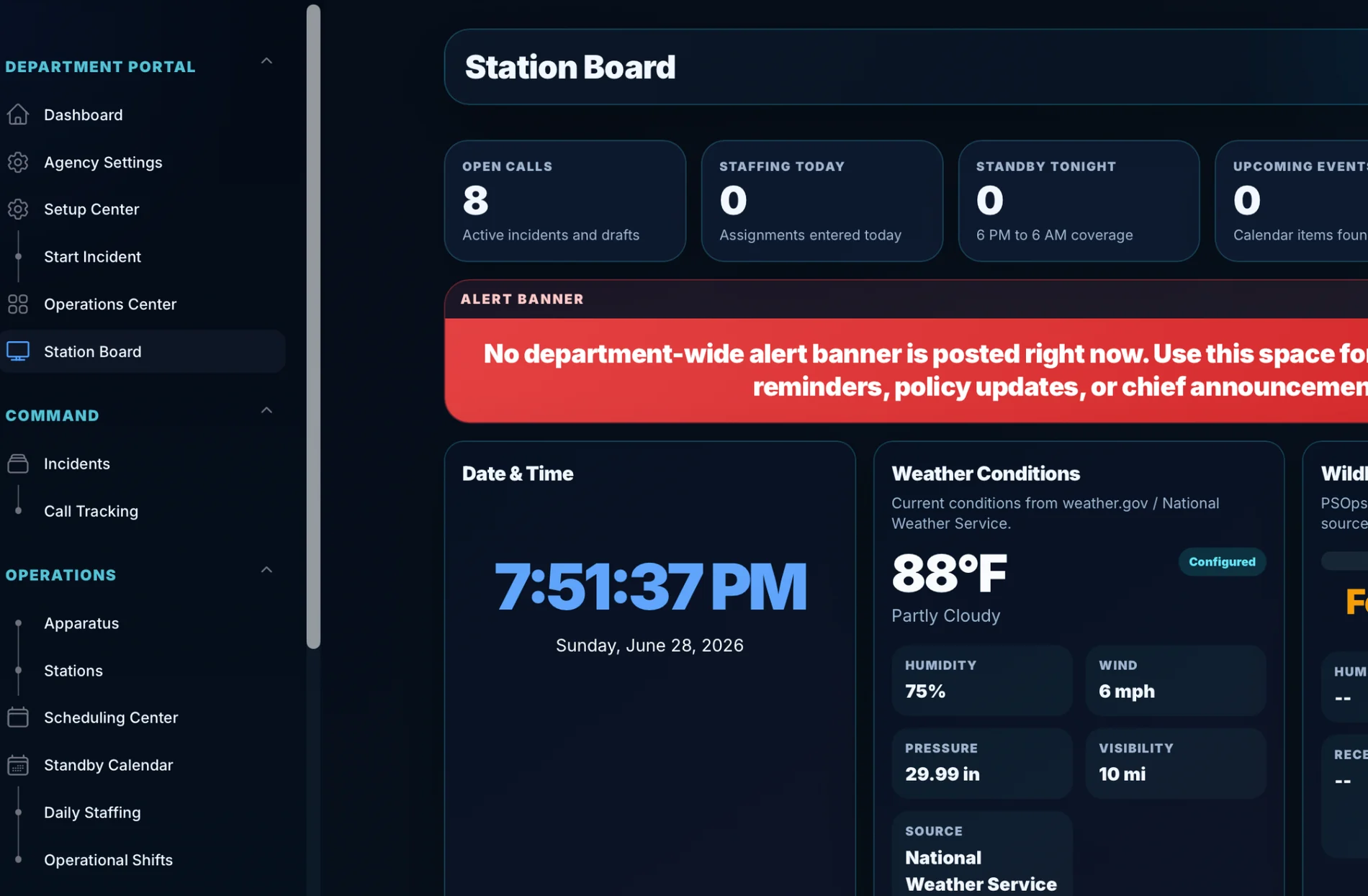
Station sidebar
Fast access to the operational areas crews need.
A station display is useful. A station display connected to incident workflow, report status, and command visibility is more useful. PSOps is built around that connected operations picture.
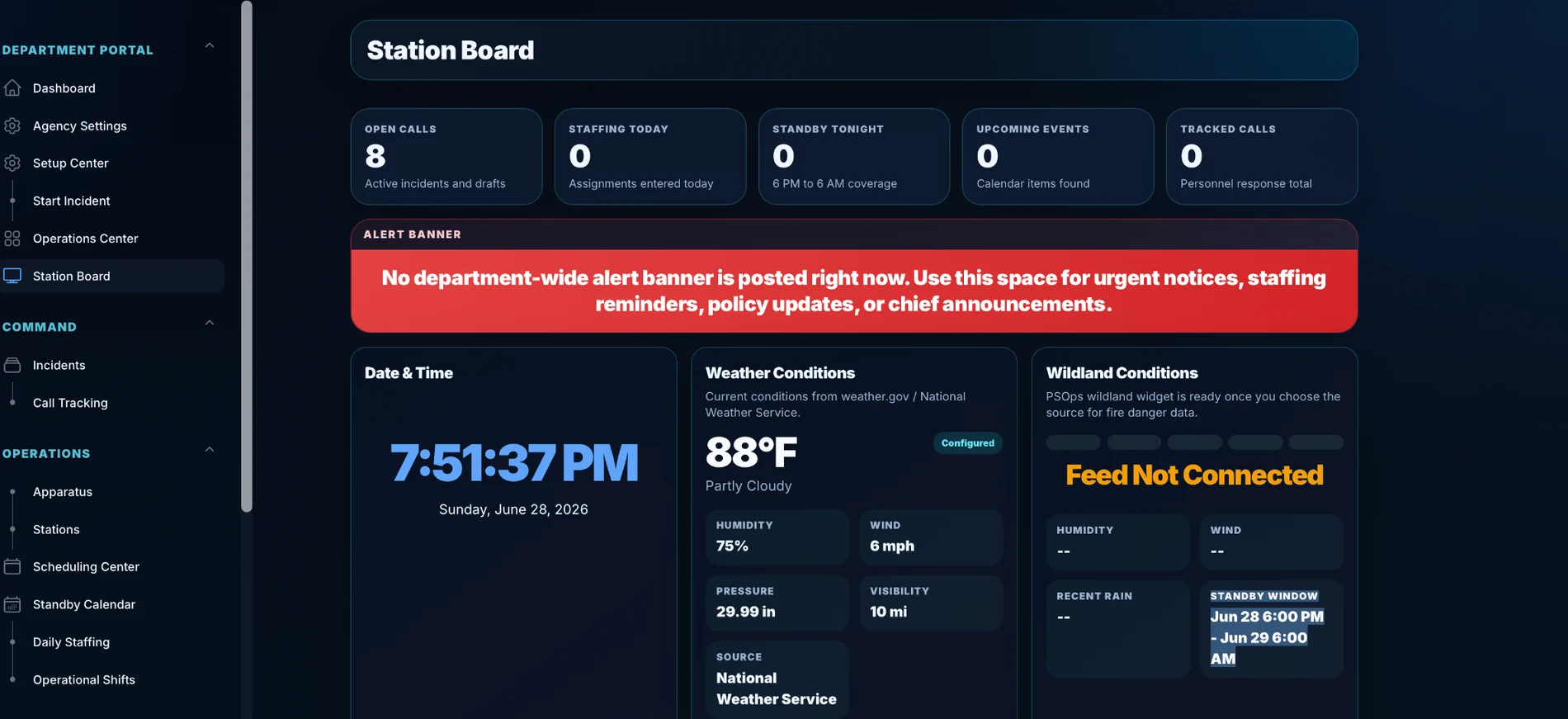
A station display is useful. A station display connected to incident workflow, report status, and command visibility is more useful. PSOps is built around that connected operations picture.
Give crews a clear path from incident intake to required details.
Show open incidents, needs attention items, and operational priorities.
Move toward cleaner reporting and stronger NERIS readiness.
These visuals show the workflow, reporting visibility, and station awareness PSOps brings together.
Fast access to the operational areas crews need.
Keep station information visible without extra clicks.
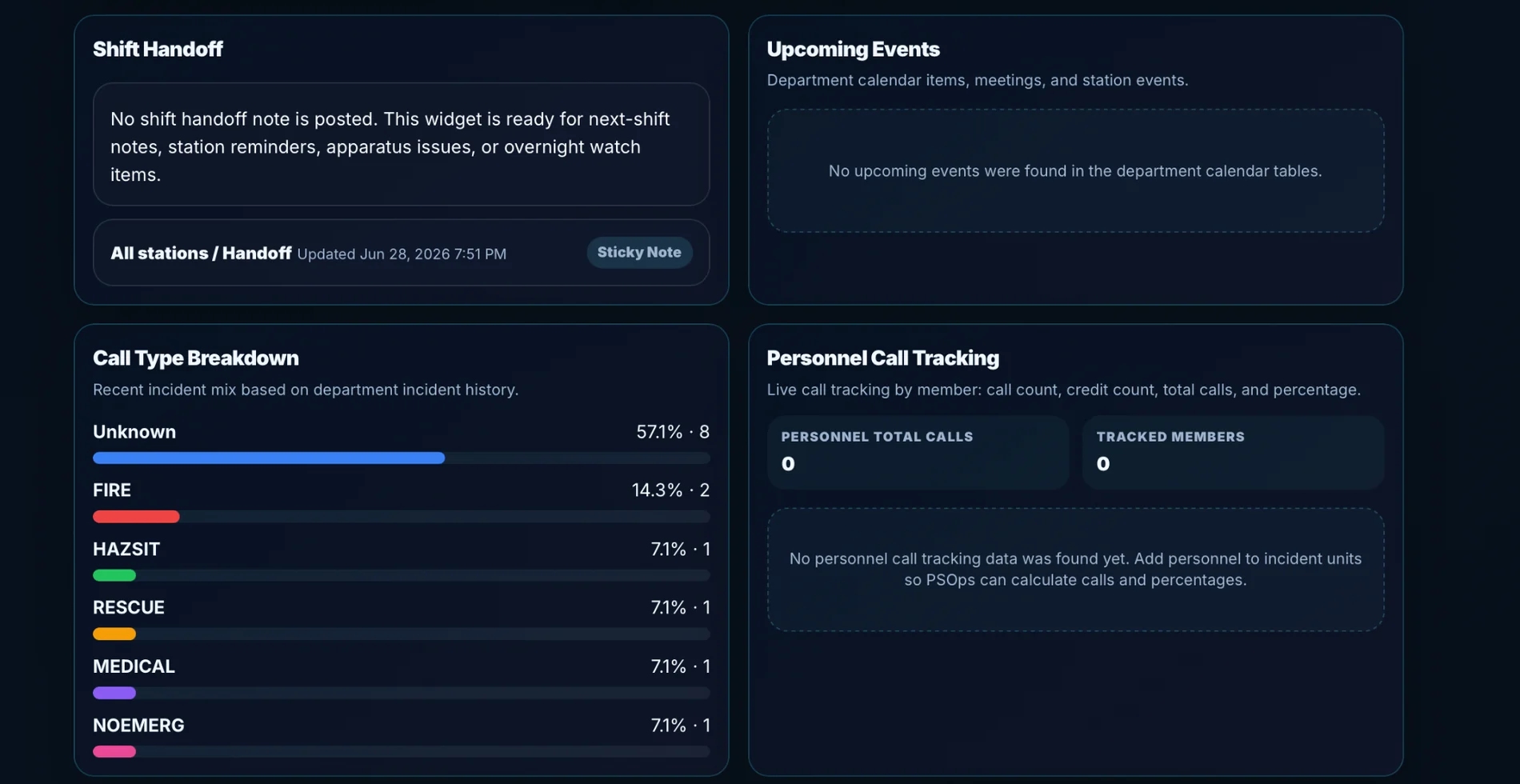
Surface the updates and operational context that matter.