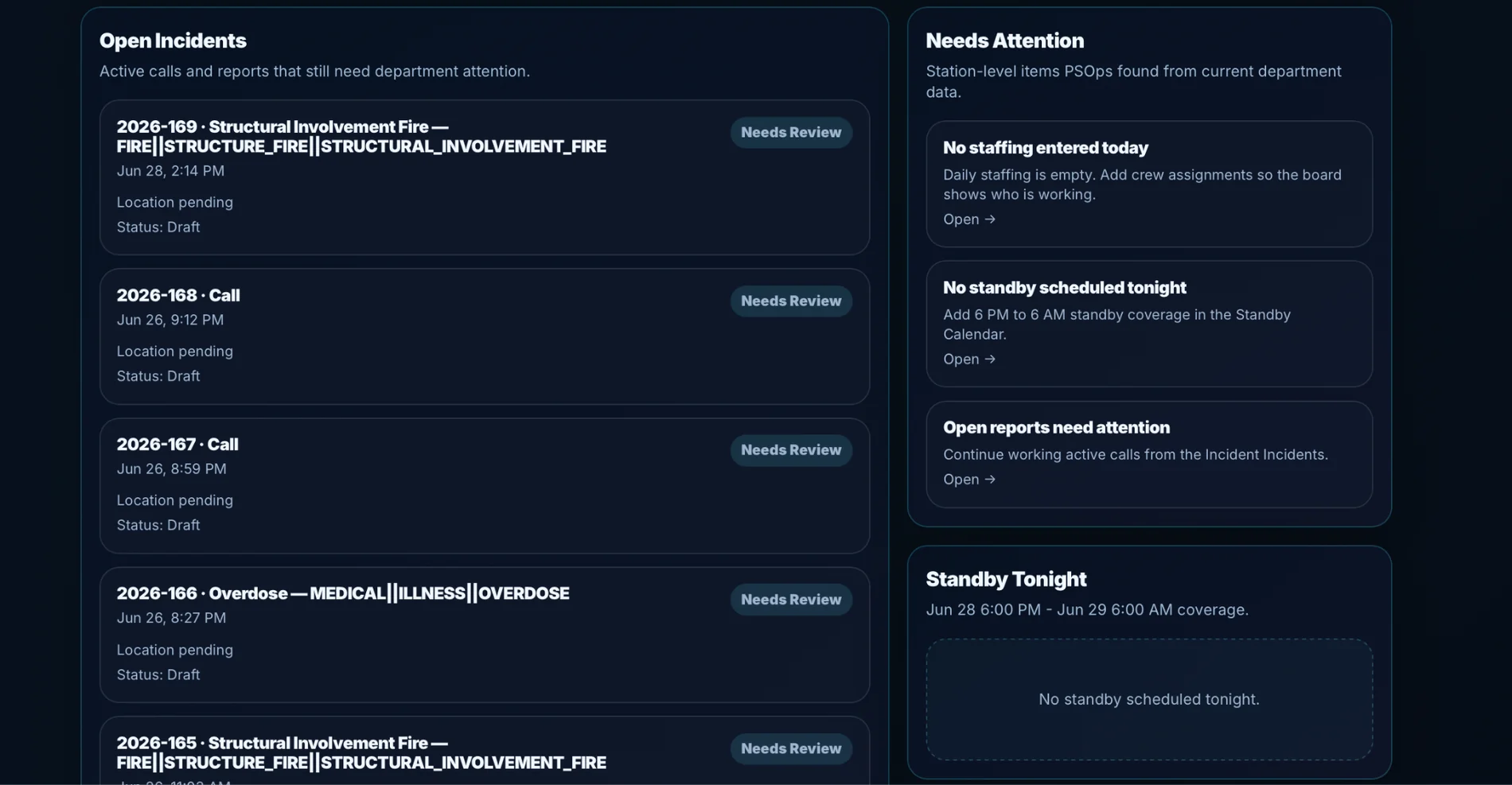
Open work stays visible
Migration should support better follow-up, not just old records.
Migration should not just copy data. It should help your department decide what matters, what needs cleanup, and how legacy reporting maps into a cleaner PSOps workflow.
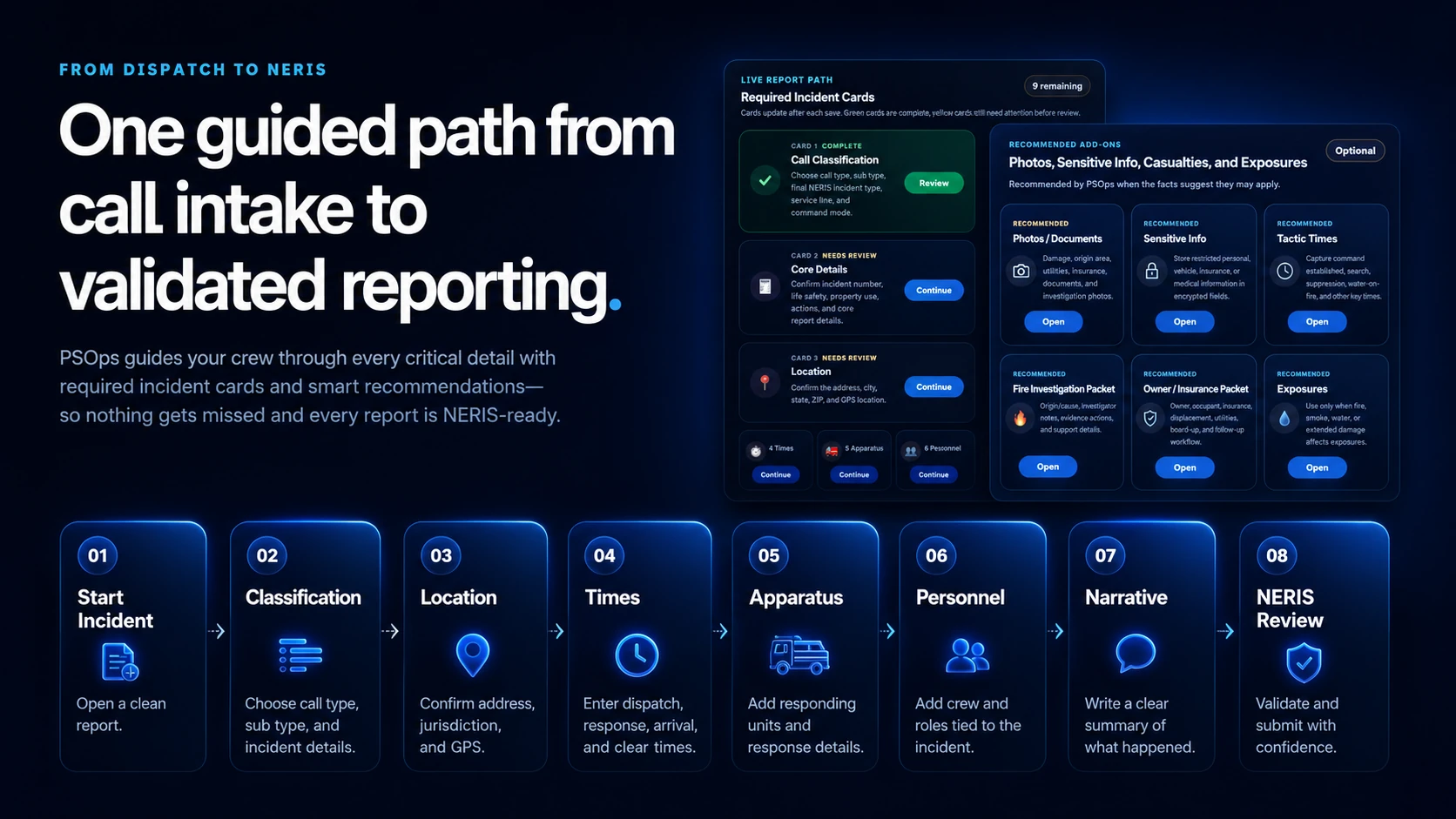
Incident reports, locations, users, apparatus, personnel, and supporting fields.
Connect legacy report concepts to PSOps incident cards and add-ons.
Focus on useful operational and reporting data instead of importing clutter.
Bring users into command views, Station Board screens, and report attention queues.
The goal is a cleaner operating workflow that helps the department use the data after the migration.
Migration should support better follow-up, not just old records.
Review guided incident reporting, open incident attention, Station Board visibility, NERIS readiness, migration, and demo request tracking.
PSOps is built under Volunteer Technology Systems for departments that need a practical public safety operations platform: guided incident reporting, Station Board visibility, open incident attention, NERIS-ready review, and installable access for phones, tablets, station displays, and command desktops.
PSOps is positioned for departments searching for fire department software, EMS reporting software, public safety RMS, fire incident reporting software, Station Board alternatives, NERIS reporting software, volunteer fire department software, and operations visibility tools that work across the station, field, and command staff.
Guided incident reporting, open incident attention, Station Board awareness, command review, and department-ready workflow for volunteer, combination, and career fire departments.
Field-friendly access for response documentation, operational visibility, crew awareness, and leadership review across EMS, rescue, and specialty response teams.
A cleaner operational view for reports, station activity, attention items, and department follow-up without putting technical details in front of everyday users.
Station-ready display value for open work, active response awareness, daily operational visibility, and department communication.
Review-focused workflows that help departments identify missing information, prepare cleaner reports, and support modern fire reporting requirements.
Launch PSOps from phones, tablets, apparatus devices, station screens, and desktops with a fast app-style shortcut experience.
The official NERIS Data Exchange Compatible badge is used on PSOps public pages to support department confidence around reporting readiness, data exchange compatibility, and modern fire reporting conversations.